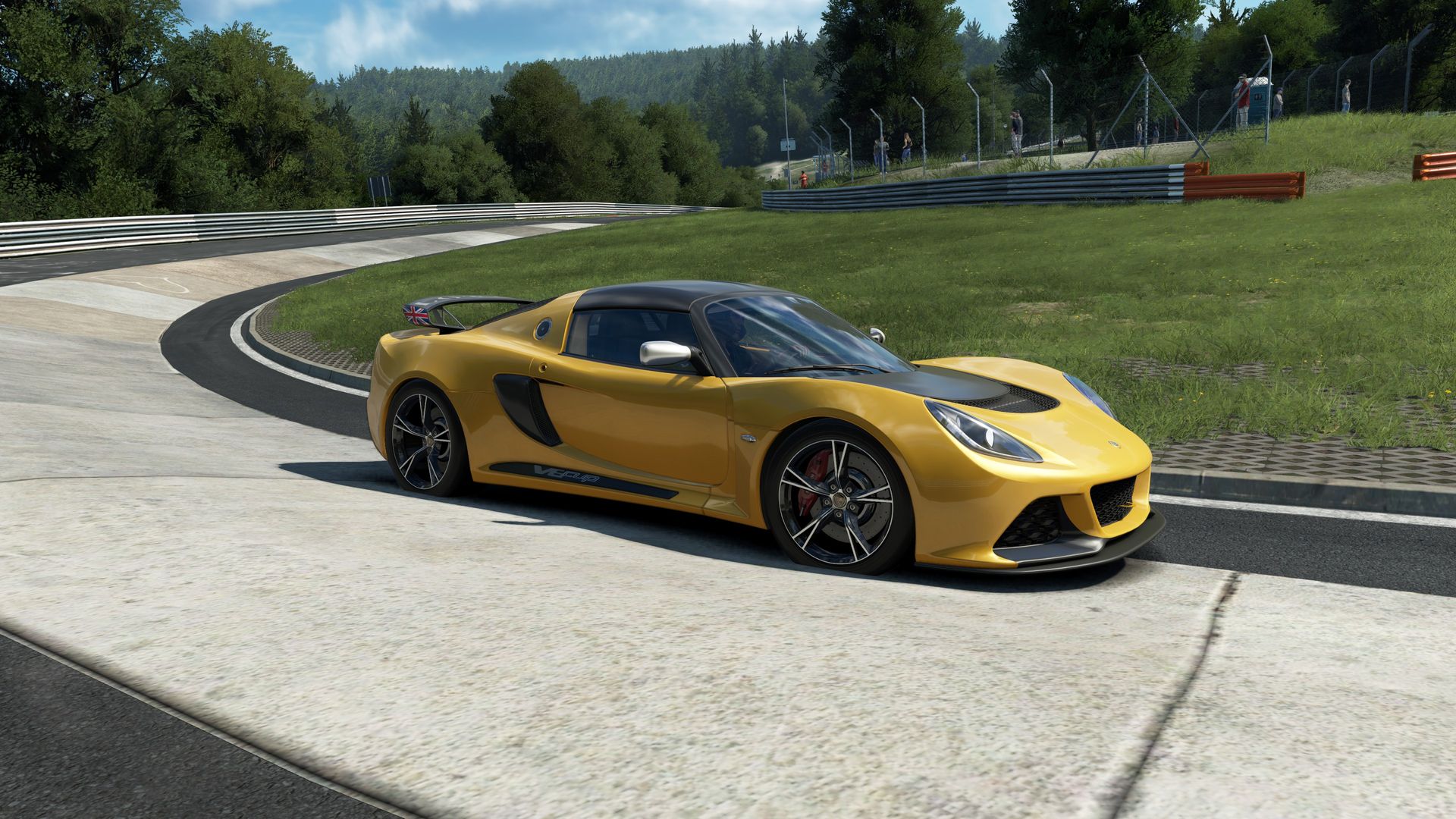
Force feedback isn't "vibration". It's a reproduction of the forces that would reach the steering column of a real car: essentially the self-aligning torque of the front tyres, plus whatever the road surface does to them.
That means the most valuable information your wheel gives you is a single thing: how much grip the front axle has left. As the front tyre approaches its limit, the force stops building and then falls away. That lightening is your understeer warning, and it arrives before you see anything on screen.
Everything else — kerbs, bumps, engine — is an added effect. Fine for immersion, but if it buries that warning, it's costing you lap time.
| Parameter | What it does | Guideline |
|---|---|---|
| Gain / Strength | Multiplies total output force | The important one. Too high saturates; too low loses information |
| Filter / Smoothing | Rounds off the signal to remove harshness | The minimum you find comfortable. Every step erases detail |
| Damping | Resistance to wheel movement | A little. It stops oscillation; a lot feels sludgy |
| Inertia | Simulates the weight of the wheel | Low or none on direct drive; more useful on light belt bases |
| Friction | Constant resistance | Almost always zero. It masks the lightening at the limit |
| Road effects | Kerbs, bumps, engine | To taste, but below the tyre forces |
| Rotation | Lock-to-lock travel | Let the sim set it per car |
Imagine your wheelbase can produce 100 units of force. If the sim asks for 130 in the most loaded corner, the base gives 100. It also gives 100 when asked for 110, 120 or 150.
The result: across that whole range everything feels exactly the same. Right where you need the most information — maximum load, the limit of grip — your wheel has stopped telling you anything.
That's clipping, and it's what's happening to most people who say their wheel "doesn't transmit". It isn't the wheel: it's the gain.
Many sims show a force meter that turns red or flattens out at the ceiling. If yours has one, use it — it's the objective way to set this. If not, the method below works.
Validation test: go on track and provoke gentle understeer in a fast corner. If you feel in your hands the wheel go light before the car washes out, it's set right. If you find out from the screen, it isn't.
Different cars generate very different forces:
Which is why it's worth leaving the base at a fixed value and only adjusting the in-sim gain per category. That keeps a stable reference.
| What you feel | Usually is |
|---|---|
| Wheel is heavy but tells you nothing | Clipping: lower the gain |
| Everything feels spongy and slow | Too much filter or damping |
| Constant unpleasant buzz on the straight | Road or engine effects too high |
| Wheel oscillates on its own when released | Needs a little damping |
| You can't tell when the front lets go | High gain, high friction or heavy filtering |
| You're tired after ten minutes | Too much force, or a bad seating position |
One last thought: don't chase a fast driver's settings. The right feel is the one that warns you in time. Set it, drive it for a week, then look again.
No. Past a point the signal saturates and you lose exactly the fine information you need: the moment the front tyre starts to slide. Most people run far too much gain.
It's when the force the sim wants to send exceeds what the wheelbase can produce. Beyond that everything feels equally strong, and any detail above that ceiling disappears.
Sparingly. A little texture helps you place the car; a lot buries the real tyre forces, which are the ones telling you whether you're about to lose it.
Not on the wheelbase, but the in-sim gain is worth adjusting: a formula car generates far more force than a touring car, and what suits one will clip in the other.
What it is, why it rotates the car, how to practise it and the mistakes that end in a spin.
Read →What each click does, how it shows up at the rear axle and how to find your value.
Read →How to break the 20.8 km into chunks, where the time really goes and the five decisive sections.
Read →Run a few laps on the 24/7 after each change. Feel is judged driving, not in a menu.
 assettocorsaevo