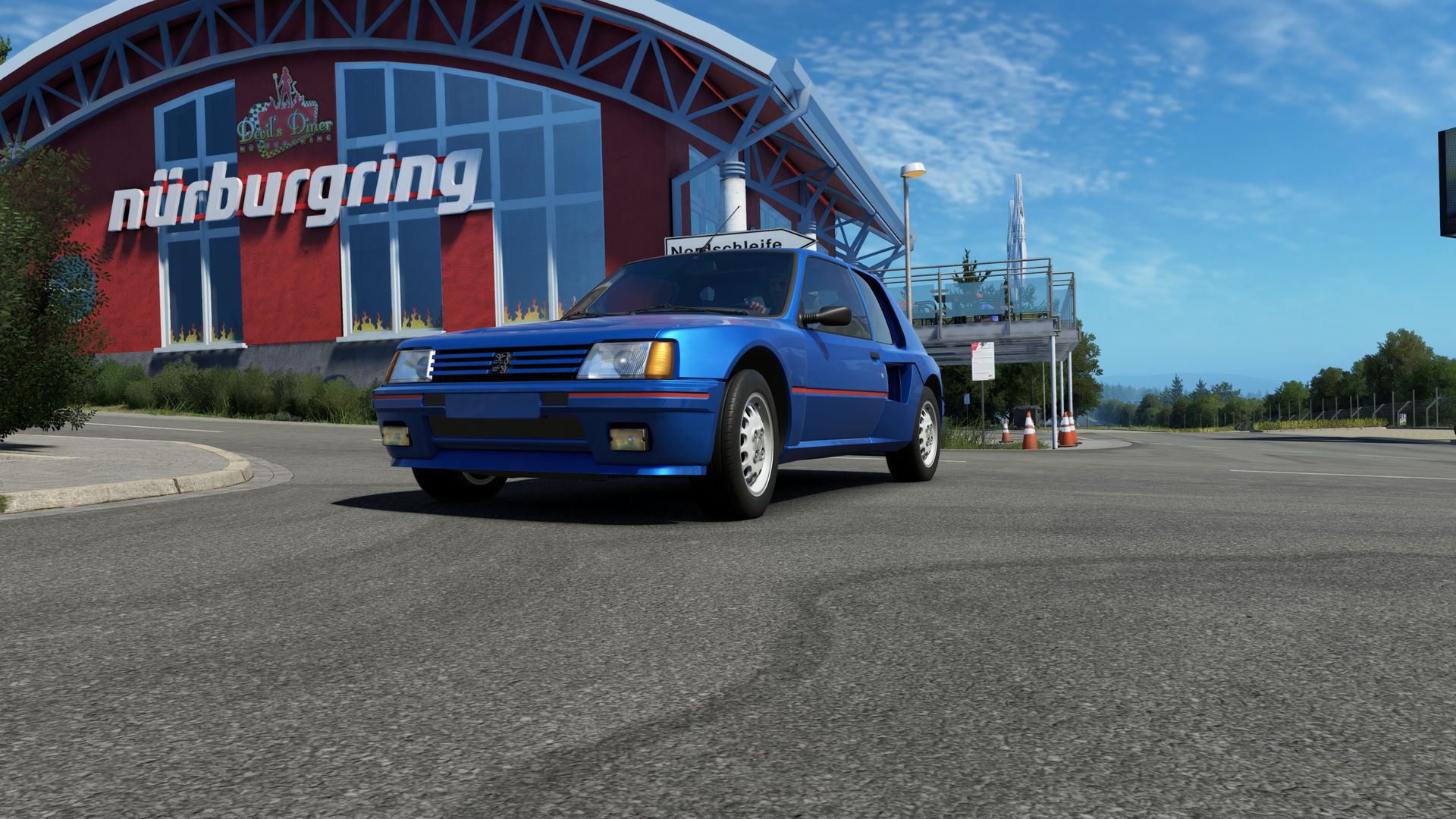
Driving is largely about judging distance and speed with your peripheral vision. In a real car you see the edge of the track out of the corner of your eye, and that tells you how far you are from the apex without looking.
With a 24-inch monitor half a metre away you're looking at the world through a letterbox. You can be fast, but two things are missing: the lateral reference in a corner, and the sense of speed, which depends precisely on what passes at the edges.
Both triples and VR solve that, each in their own way. That's the real reason to make the jump, not immersion.
Tip: three identical modest panels beat one huge one and two different ones. Uniform colour and latency matter more than inches.
| Criterion | Triples | VR |
|---|---|---|
| Depth perception | Fine | Excellent |
| Distance sharpness | Excellent | Fine |
| Comfort in long stints | Excellent | Average |
| PC demand | High | Very high |
| Space needed | A lot | Little |
| Ease of setup | Medium | Medium |
| Seeing data and chat | Yes | No |
| Racing wheel to wheel | Good | Very good |
Honest summary: if you do long races, leagues with strategy and you want to see data, triples. If your thing is half-hour stints fighting wheel to wheel and learning tracks, VR.
A wrong field of view is the most common error and the most expensive in lap time. With too wide a FOV everything looks distant and slow, and you brake earlier than you need to without knowing why.
Correct FOV comes from two measurements: screen width and the distance from your eyes to the screen. Almost every sim ships a calculator or accepts a value in degrees. Enter it and don't change it for taste.
At first it will feel like you can see very little. That's the correct sensation: it's what you see from a car. Within a week you'll be grateful, because distances start adding up.
Besides FOV you have to tell the sim the angle of the side panels and the bezel between them. Otherwise the side image stretches and corner references move around.
FOV is fixed by the headset, so there's nothing to set. What does matter is the eye point: sit as you would in the car and recentre. A viewpoint too high or too far forward falsifies distances just as badly as a wrong FOV.
The rule is clear: smoothness beats beauty. A sim at a stable frame rate with medium settings drives far better than a gorgeous one that stutters.
What to lower first, because it barely affects what you need to see:
What to keep high:
And in VR, one extra rule: before raising any setting, make sure you can hold the headset's native refresh rate steadily. Drops aren't just ugly, they make you ill. More detail in more FPS in your sim.
Questions that settle it better than any comparison:
And it isn't either-or: plenty of people keep a monitor for long races and a headset for practice. If you have to start with one, start with whichever fits the sessions you actually do, not the ones you'd like to do. The specs are in the PC requirements.
Lap times are generally similar. VR gives better depth and speed perception; triples give sharper detail and references that are easier to repeat. The real difference is what each person adapts to.
To start, yes, as long as you set the field of view correctly. What you lose is peripheral vision, and that shows up mainly when racing wheel to wheel and in blind corners.
It can at first for some people, especially if the frame rate drops. Short sessions for the first few days, good ventilation and keeping the frame rate steady solve most cases.
VR, by a distance, because it renders two images and tolerates no dropped frames. Triples demand power through sheer resolution, but they cope far better with an occasional dip.
What it is, why it rotates the car, how to practise it and the mistakes that end in a spin.
Read →What each click does, how it shows up at the rear axle and how to find your value.
Read →What each parameter does, what order to touch them in and how to spot clipping.
Read →The 24/7 server asks for no minimum equipment. Jump in with what you have.
 assettocorsaevo