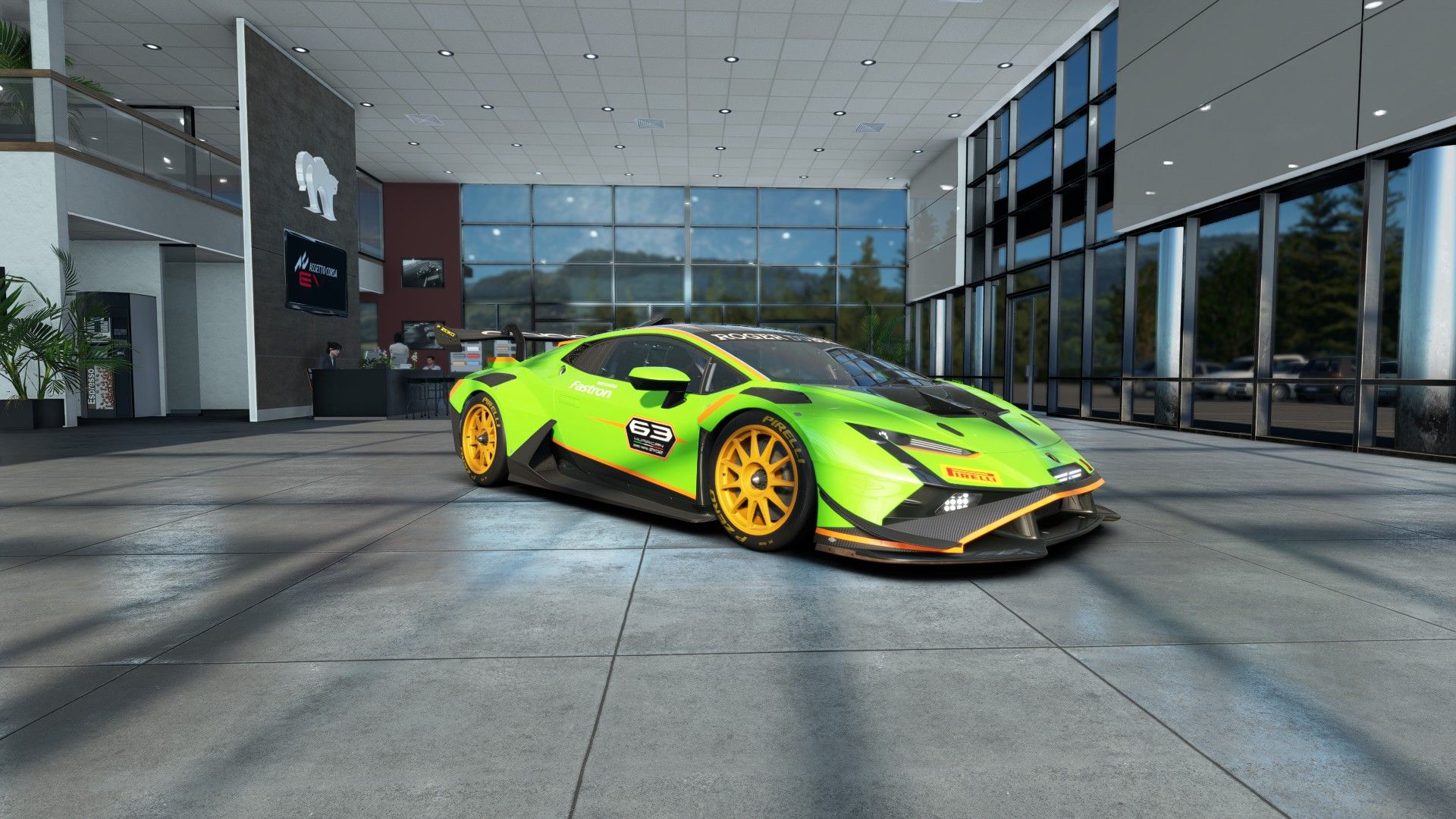
| Minimum | Recommended | |
|---|---|---|
| OS | Windows 10 64-bit | Windows 10 or 11 64-bit |
| CPU | Intel i7-8700K / AMD Ryzen 5 1500X | Intel i5-10500 / AMD Ryzen 5 2600X |
| Memory | 16 GB | 16 GB |
| GPU | GTX 1070 / RX 580 | RTX 2070 / RX 5600 |
| DirectX | Version 12 | Version 12 |
| Storage | 100 GB on SSD | 100 GB on SSD |
| Network | Broadband | Broadband |
Two things in that table stand out and are worth explaining, because they confuse people.
First: RAM doesn't increase between minimum and recommended. 16 GB on both. That tells you the game has a stable memory footprint and that there's no headroom to be found there.
Second: the "recommended" CPU looks weaker than the minimum if you only read the number. That isn't a mistake in the list: they're different generations, and the i5-10500 outperforms the i7-8700K in what matters here. Don't read the badge, read the year.
Minimum requirements for any sim are measured in the most favourable scenario: you alone on track, daytime, no rain. The reality of a race is the opposite.
What actually tanks performance, in order:
Rule of thumb: if you're marginal alone, you'll be bad in a race. Aim for 30-40% headroom over what a solo lap gives you.
And one figure that matters more than the average: stability. A machine locked at 60 drives better than one swinging between 90 and 45. Stutters always arrive at the worst moment, because the worst moment is when there are most cars around you.
It's listed as a requirement and it isn't a polite suggestion: a modern sim streams textures and geometry while you drive, not only at load time.
On a mechanical drive three things happen, all bad:
If you have to choose between a small fast SSD and a larger slow one, make sure the whole game fits on the fast one. It's 100 GB: there isn't much room to split it.
| How you play | What rules | Why |
|---|---|---|
| One monitor at 1080p | CPU | The GPU has headroom; the bottleneck is physics and AI |
| One monitor at 1440p | Balanced | The point where both work about equally |
| 4K or triples | GPU | Lots of pixels: the card decides |
| VR | GPU, heavily | Two images at high refresh, no room for drops |
| Races with a full grid | CPU | Every car adds physics and AI to compute |
This table explains something that baffles a lot of people: someone buys an expensive graphics card, still stutters at race starts and can't understand it. At race starts the problem is almost never the graphics card.
The official requirements cover one monitor. For VR or three screens, add a whole tier.
Before spending, read the comparison of triples versus VR: the decision depends more on how you race than on how much you can spend.
If you're going to invest, this order returns the most performance per pound:
And an idea that genuinely saves money: before changing components, tune your graphics. Dropping shadows and reflections usually returns more frames than a whole tier jump, and a tree's shadow doesn't make you faster. It's covered in more FPS in your sim.
Before any of these purchases comes the other question: whether the money goes to the PC or to a wheel. That's answered in which wheel to buy.
Around 100 GB of free space, and it must be on an SSD. On a mechanical drive the game takes very long to load and you get stutters when joining a session.
It's the stated minimum. You can play at 1080p with reduced settings, but you'll see drops at race starts with a full grid. For comfort, the recommended step is an RTX 2070 or equivalent.
16 GB is what's asked for and it's enough to play. If you also keep a browser, telemetry apps and voice chat open, 32 GB gives headroom and avoids occasional stutters.
Yes, if it meets the requirements and cools well. The usual problem with laptops isn't initial power but heat: after twenty minutes clocks drop and your pace suffers, exactly in long stints.
What it is, why it rotates the car, how to practise it and the mistakes that end in a spin.
Read →What each click does, how it shows up at the rear axle and how to find your value.
Read →What each parameter does, what order to touch them in and how to spot clipping.
Read →The 24/7 server is always open: the best way to see how your machine copes with a full track.
 assettocorsaevo